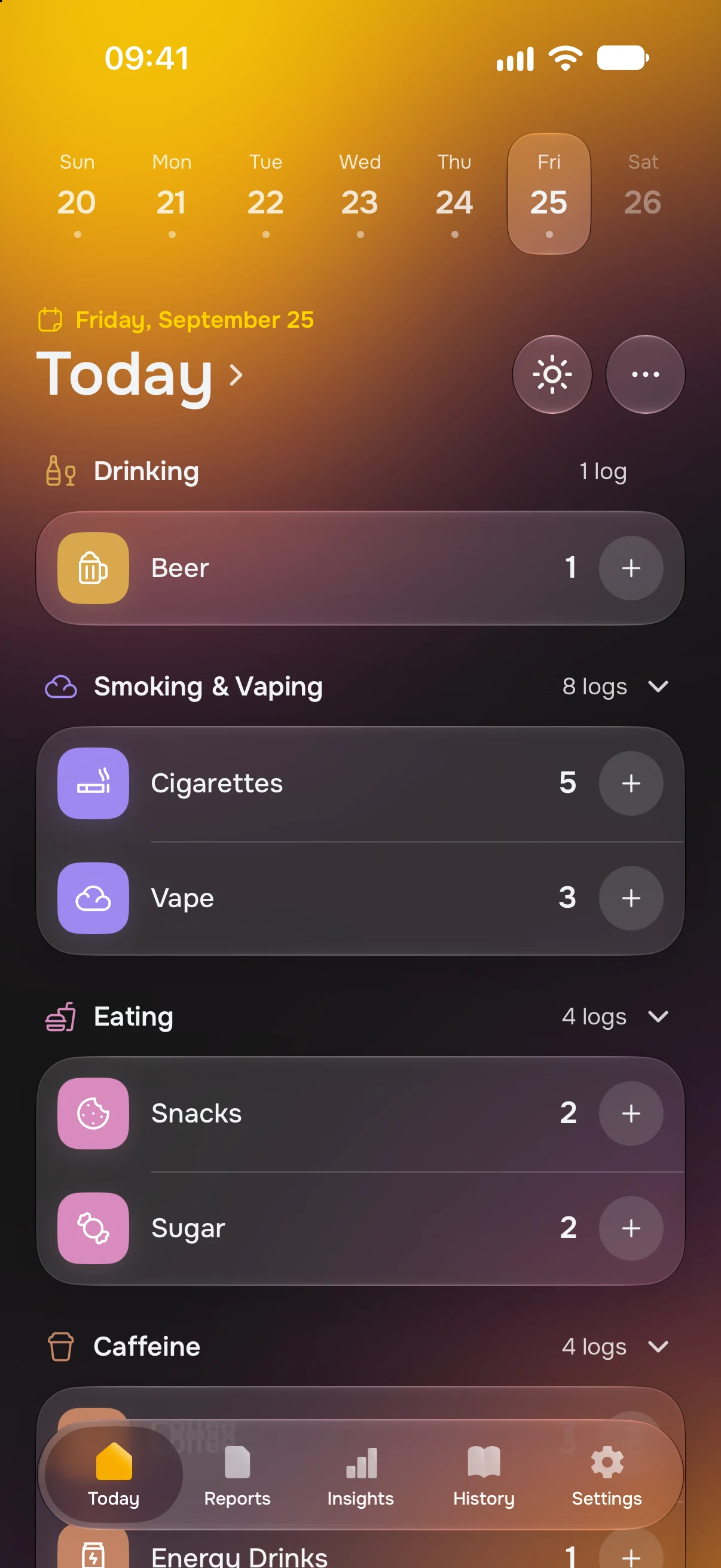


Choose what you log
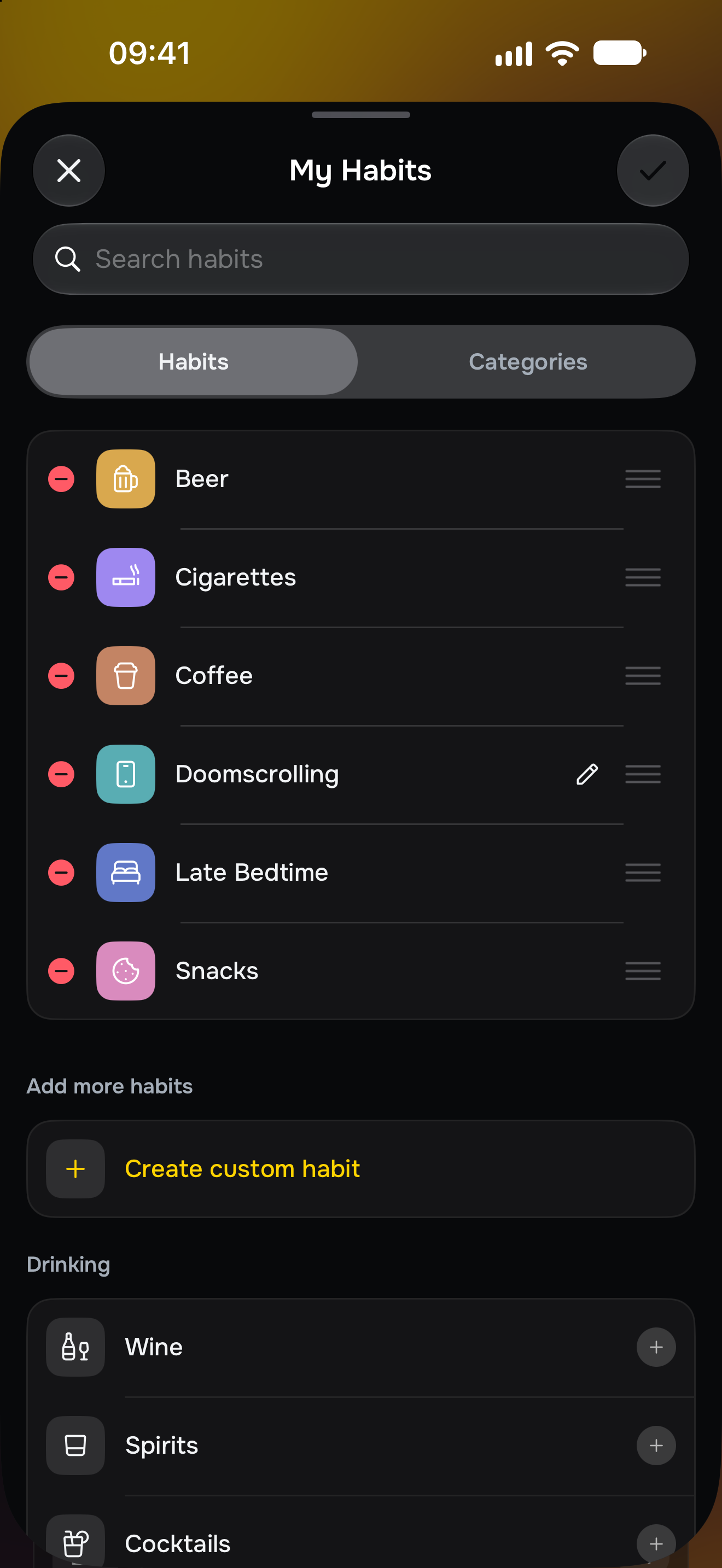
Pick from the catalog. Keep what you want to observe in one place.
Log drinks, cigarettes, fast food and more. See what happens, how often, and what changes over time.
No goals.No streaks.No judgement.

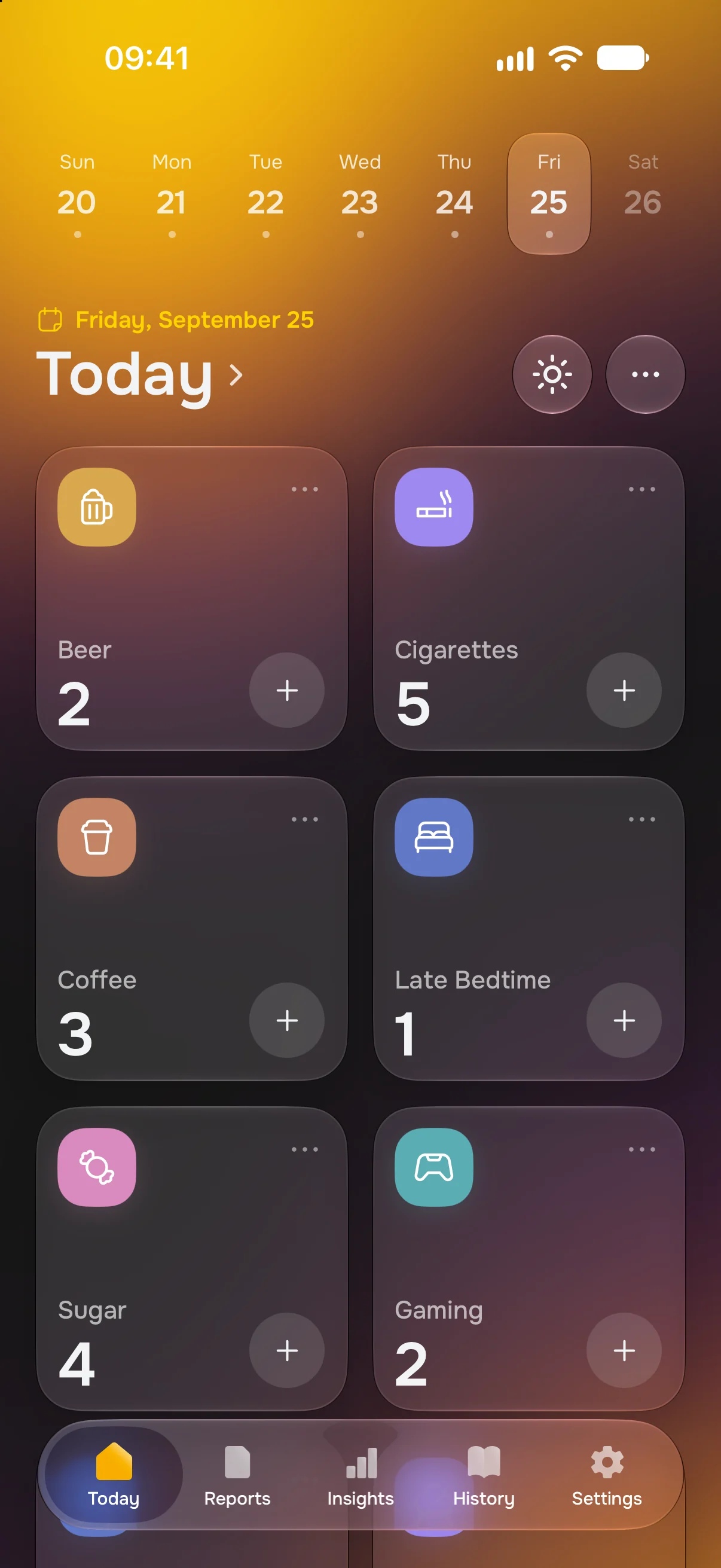
A coffee. A cigarette. A late night.
A few taps build a picture of your days.
Pick from the catalog. Keep what you want to observe in one place.
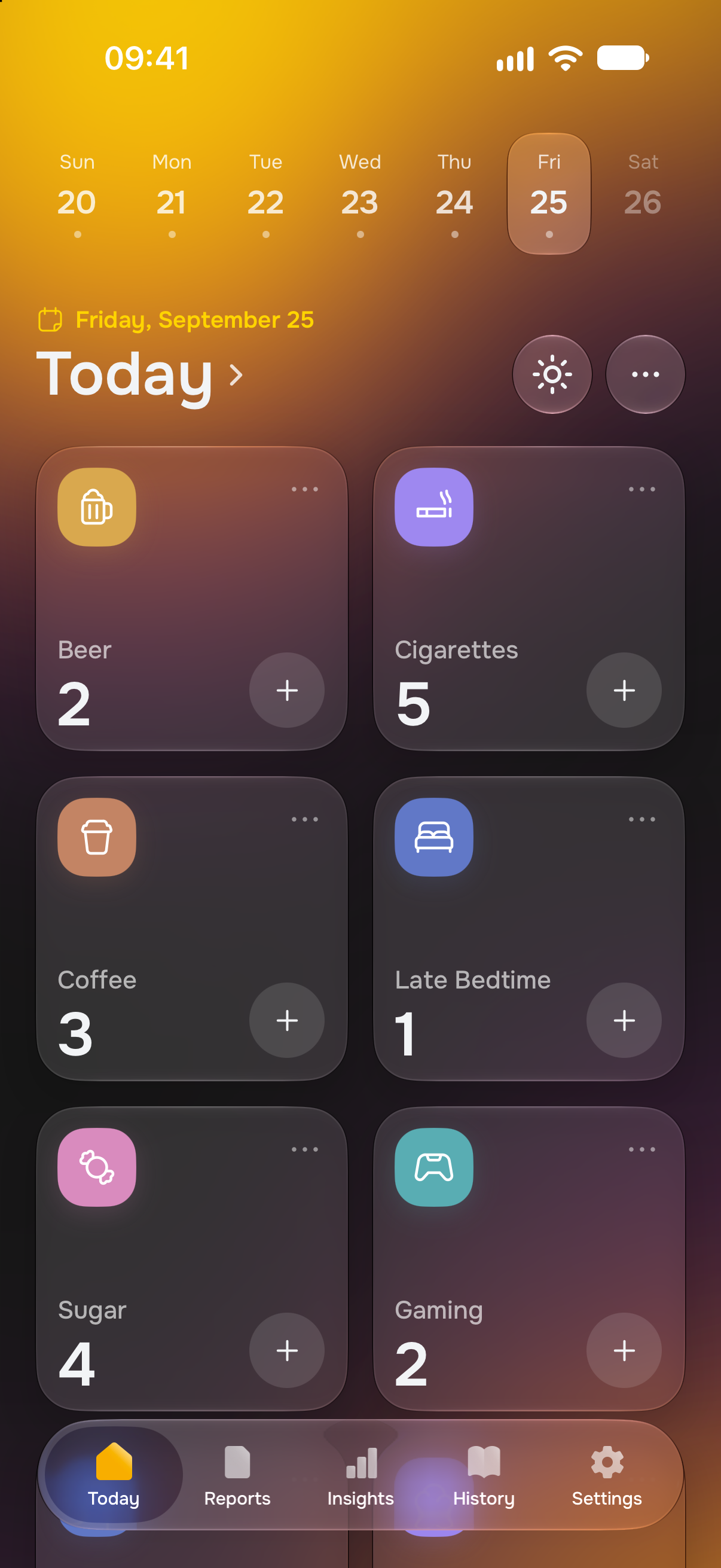
Tap + on Today to add a log. Forgot something? Add it later.
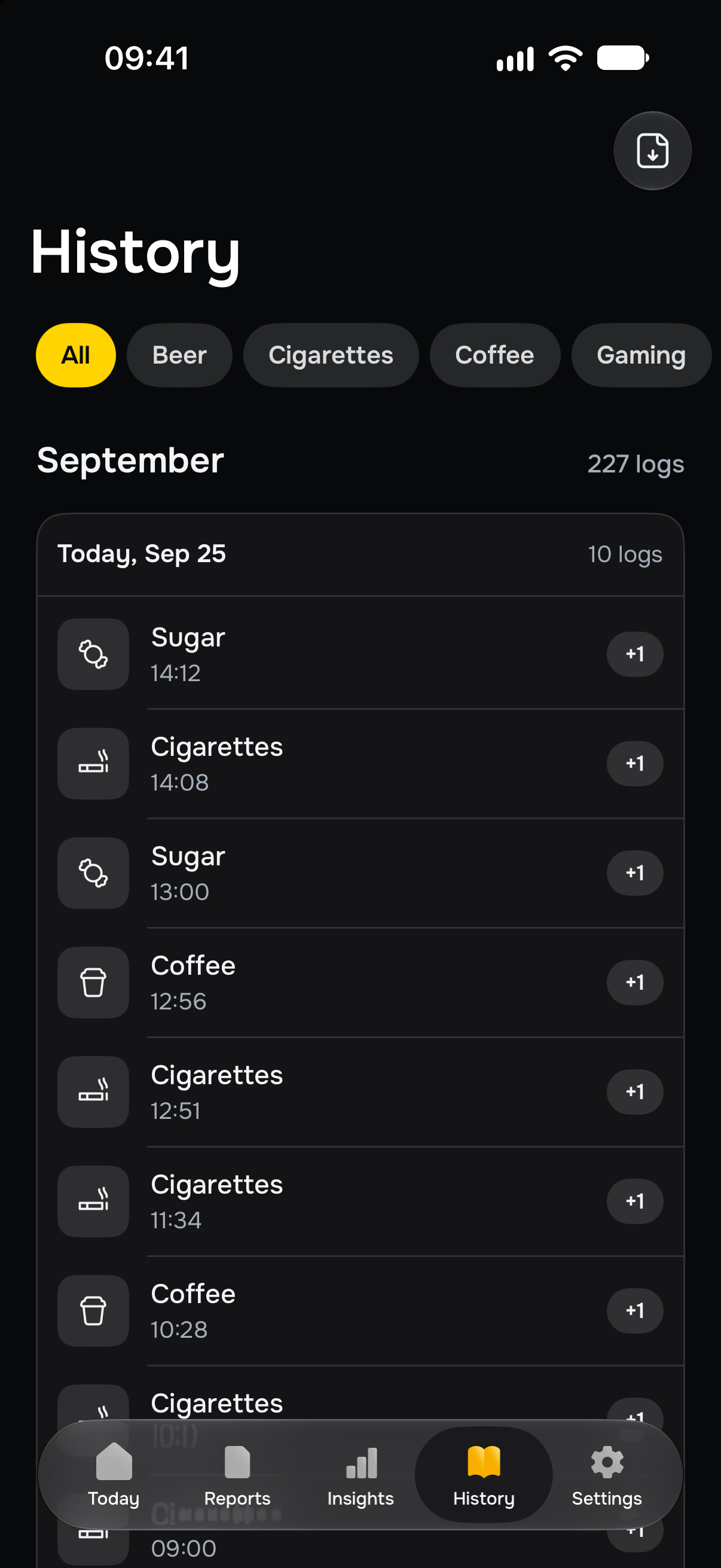
See what happened and when. Every entry stays in your history.
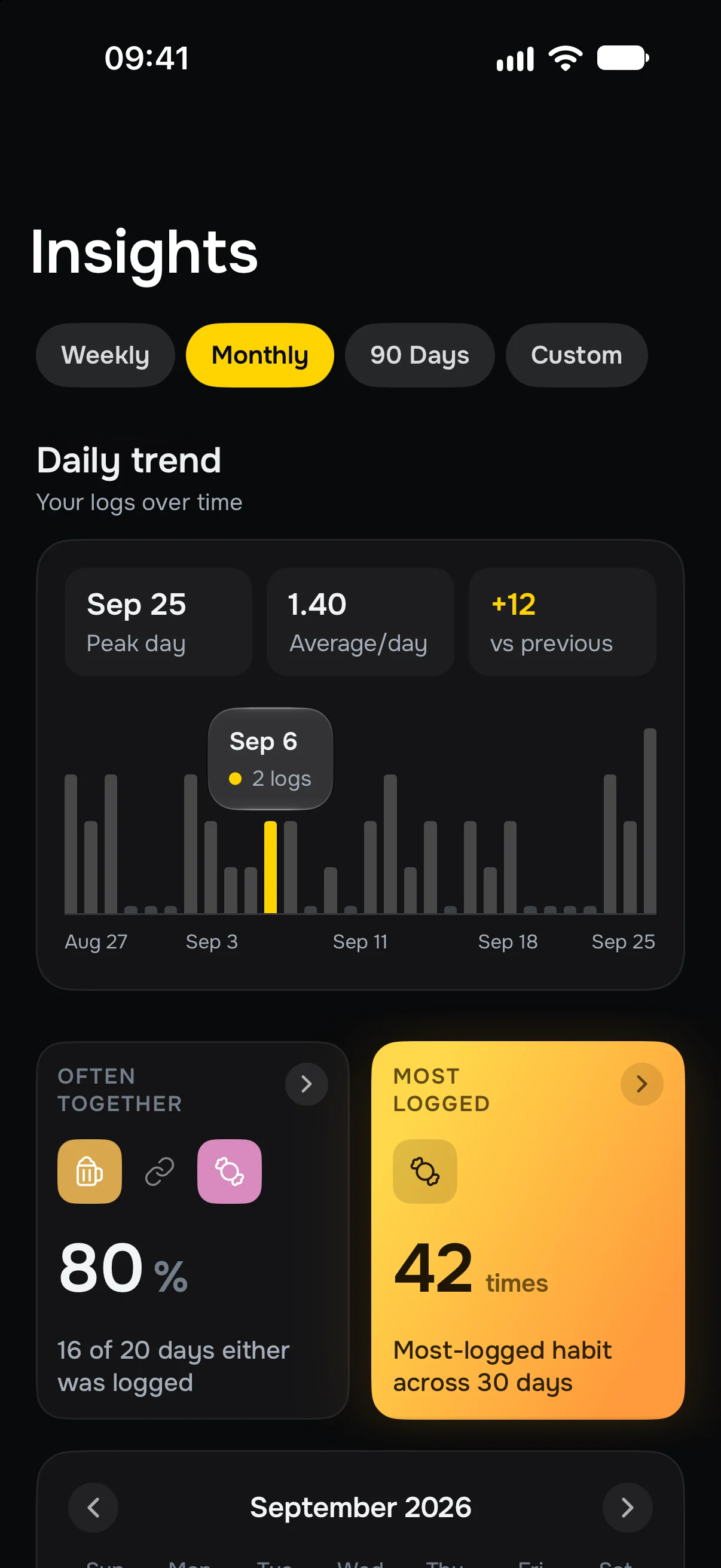
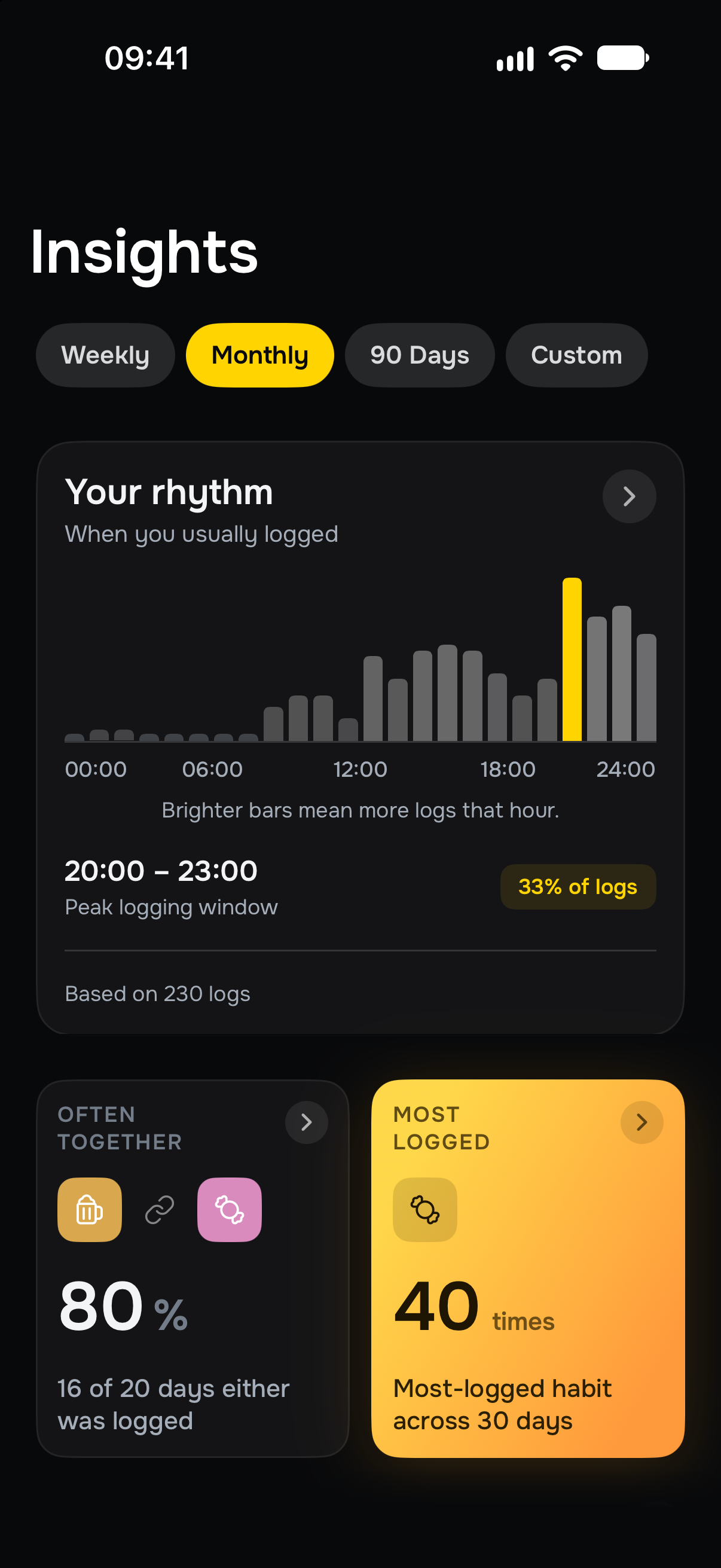
Often Together
Find the connections you might miss when you look at one habit at a time.
See which habits appear on the same days, how often they overlap and how their relationship changes over time.
A connection describes your logs. It doesn’t mean one habit caused another.
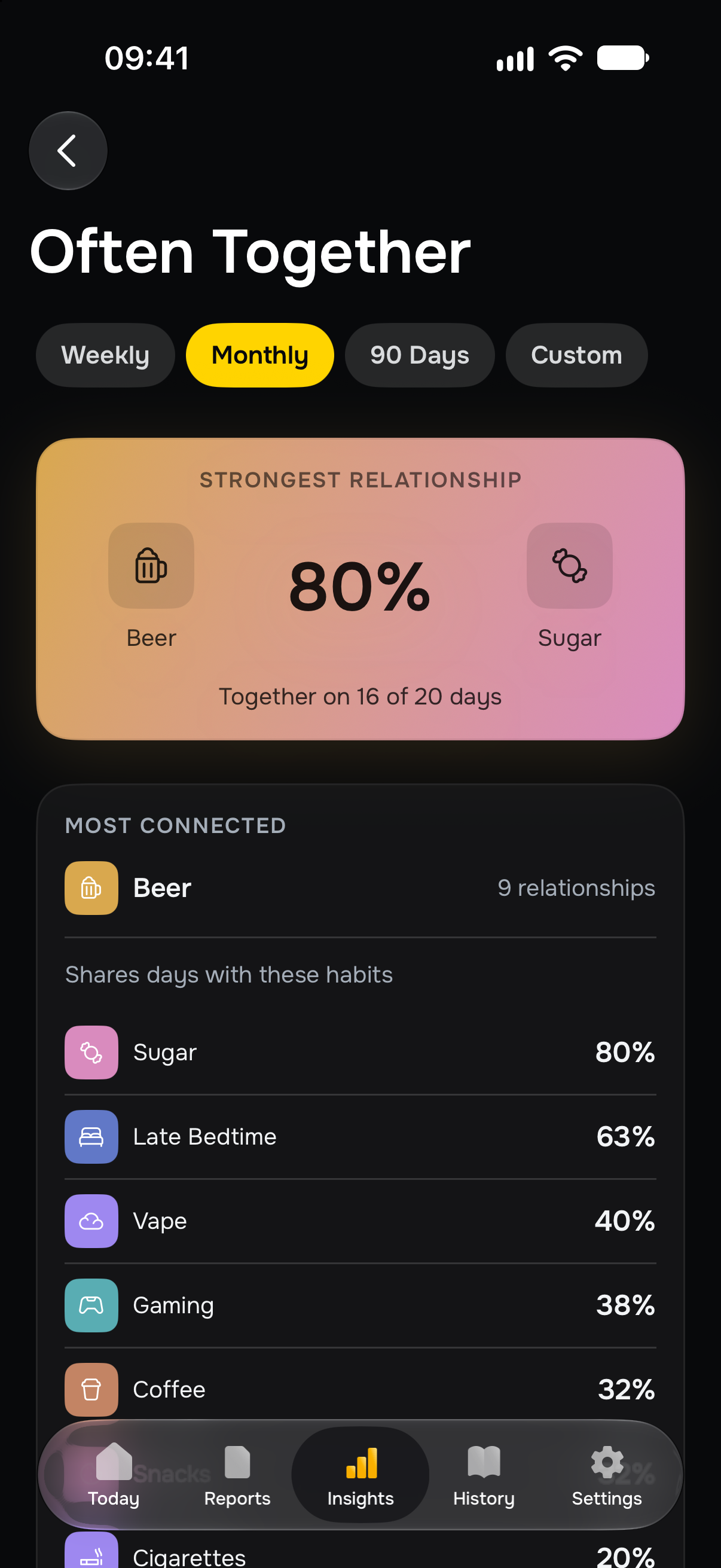
See the details.
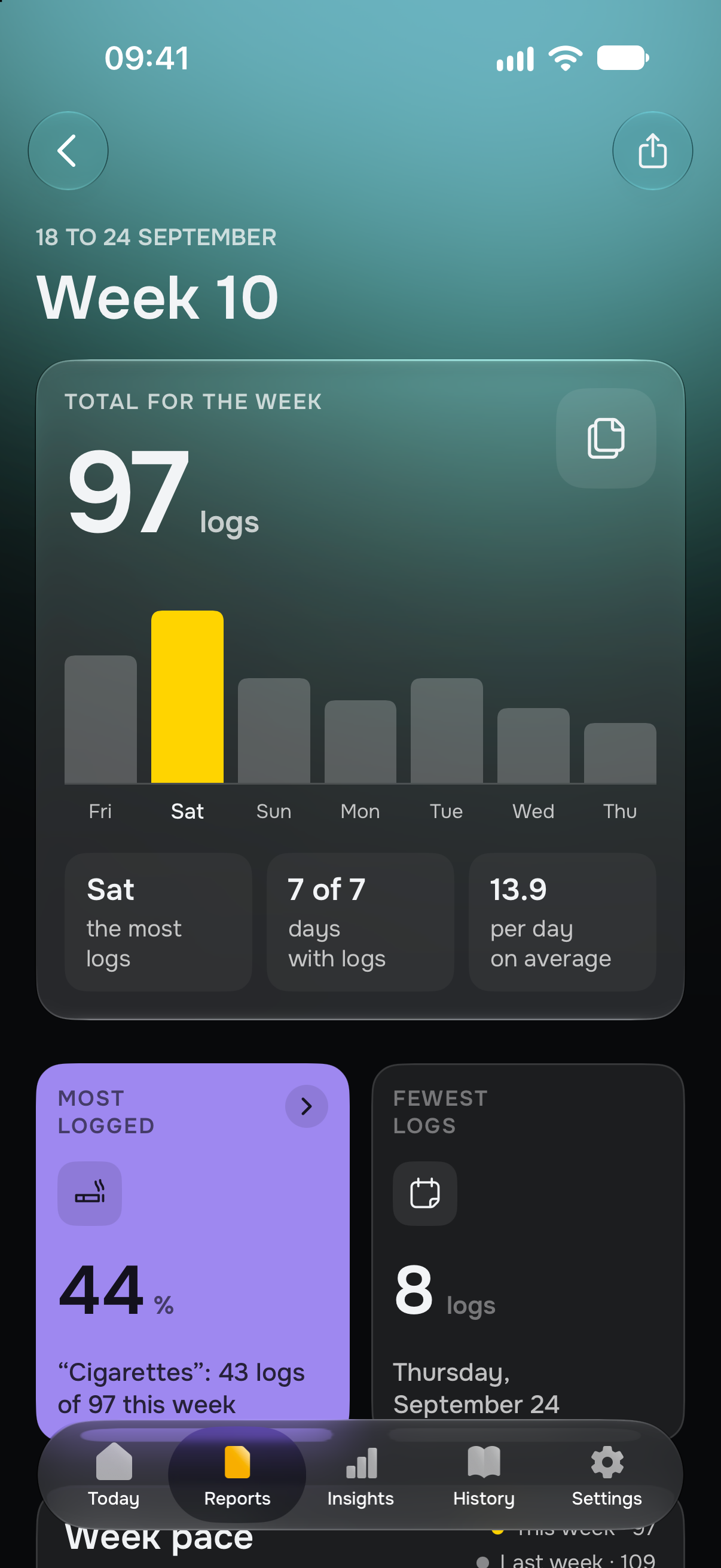
Step back for the whole week.
Insights
Compare daily totals and periods to see how your patterns change.
Daily & weekly reports
Revisit a day or see your logs and connections across a whole week.
Hourly rhythm
See when you log most often and which hours stand out across your days.
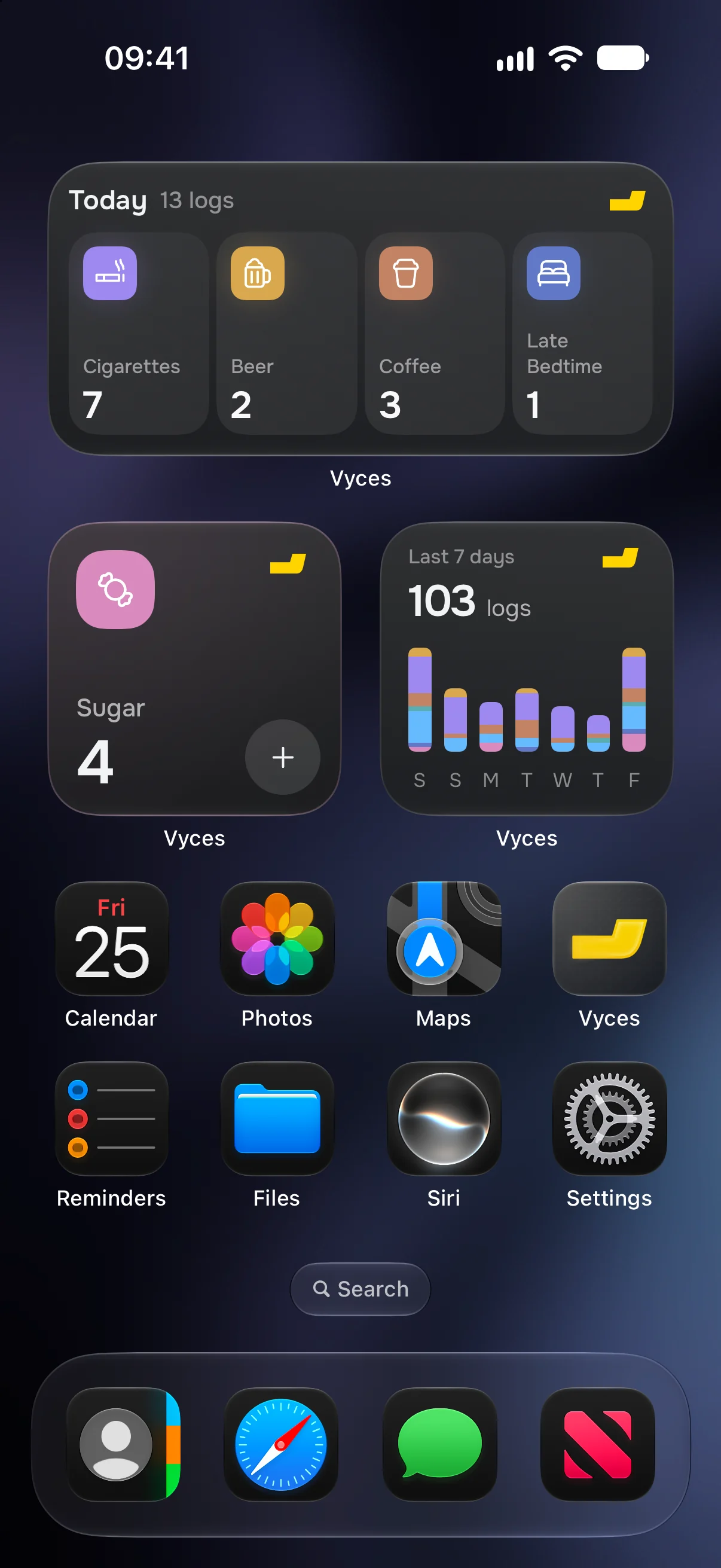
Home Screen widgets
Add a record from your Home Screen, without opening Vyces.
Keep today’s counts or a seven-day overview where you can see them. Choose the widgets that fit how you log.
Offline & private
Add records and browse your history without an internet connection.
Your tracking history stays on your devices and in your private iCloud. No Vyces server receives it.
Protect the app with Face ID, Touch ID or your passcode. Usage analytics are off unless you turn them on.
Custom habits
Choose from 12 colors and 100+ icons.
Vyces comes with 52 habits in 9 categories. For anything else, type a name, then pick a color and an icon. The preview shows how the habit will look on Today.


App icons
The collection keeps growing.
| Logging | Free | vyces+ |
|---|---|---|
| Habits | 2 | Unlimited |
| Custom habits | Not included | Included |
| Widgets | Not included | Included |
| Insights | Free | vyces+ |
|---|---|---|
| Insights & stats | Not included | Included |
| Hourly rhythm | Not included | Included |
| Often together habits | Not included | Included |
| Period comparisons | Not included | Included |
| Reports | Free | vyces+ |
|---|---|---|
| Daily reports | Not included | Included |
| Weekly reports | Not included | Included |
| Make it yours | Free | vyces+ |
|---|---|---|
| Custom app icons | Not included | Included |
| Background glow | Not included | Included |
| Your data | Free | vyces+ |
|---|---|---|
| Full history | Included | Included |
| Face ID lock | Included | Included |
| Data export | Not included | Included |
Subscription options and local prices are shown in the app.
Sync, export, reminders, app lock and more are answered on the support page.
Open Help & FAQVyces is a habit logger. You record what happened and look for patterns in your history. There are no targets to hit, streaks to maintain or scores for how well you’re doing.
You can start logging without a Vyces account. Your history syncs through your Apple Account’s iCloud. Optional Vyces sign-in stays separate from your tracking history.
You can keep logging two habits for free. Your full history stays available, and you can still read reports that were already formed during your subscription.
Your history syncs through iCloud to other iPhones signed in to the same Apple Account, and a new iPhone restores it on its own. To bring back vyces+, open the subscription screen in Vyces and tap Restore purchases.
Track your habits without pressure.
Be human.